KJ King Consulting
AI Automation & Workflow Optimization
Reduce repetitive work across intake, sales, service, and reporting.

Make the handoffs work, even when a request is messy.
For staff who copy information between tools, chase approvals, or manually recover work after an integration fails.
What we can scope
- Workflow and field map
- Exceptions and retry rules
- Production handoff
How to design an automation that holds up in production
Bring a real request and follow it across systems with the person who completes the work. Document what a complete record looks like, which facts the customer must supply, and where changes should be authoritative. Identify what happens when a request arrives twice or a destination is temporarily unavailable.
Map the handoff before choosing tools
List the events that start the workflow, expected input fields, and the authoritative system for each field. Identify how requests arrive when the primary channel is unavailable. Write down who owns missing information, rejected requests, and corrections after a record is accepted.
Make retries and ownership visible
Give each process instance a stable identifier and define retry behavior for each integration. Treat temporary outages and permanently invalid data differently. Put failed items in a recoverable queue with the original request, current status, named owner, and enough detail to resume work without a duplicate.
Test with realistic interruptions
Send the same request twice, simulate a provider timeout and replay an item after a staff correction. Verify the final result across the systems of record. Start with a subset of traffic and compare resolution times, exception volume, and rework against the previous process before increasing volume.
Related project
More Than Toner
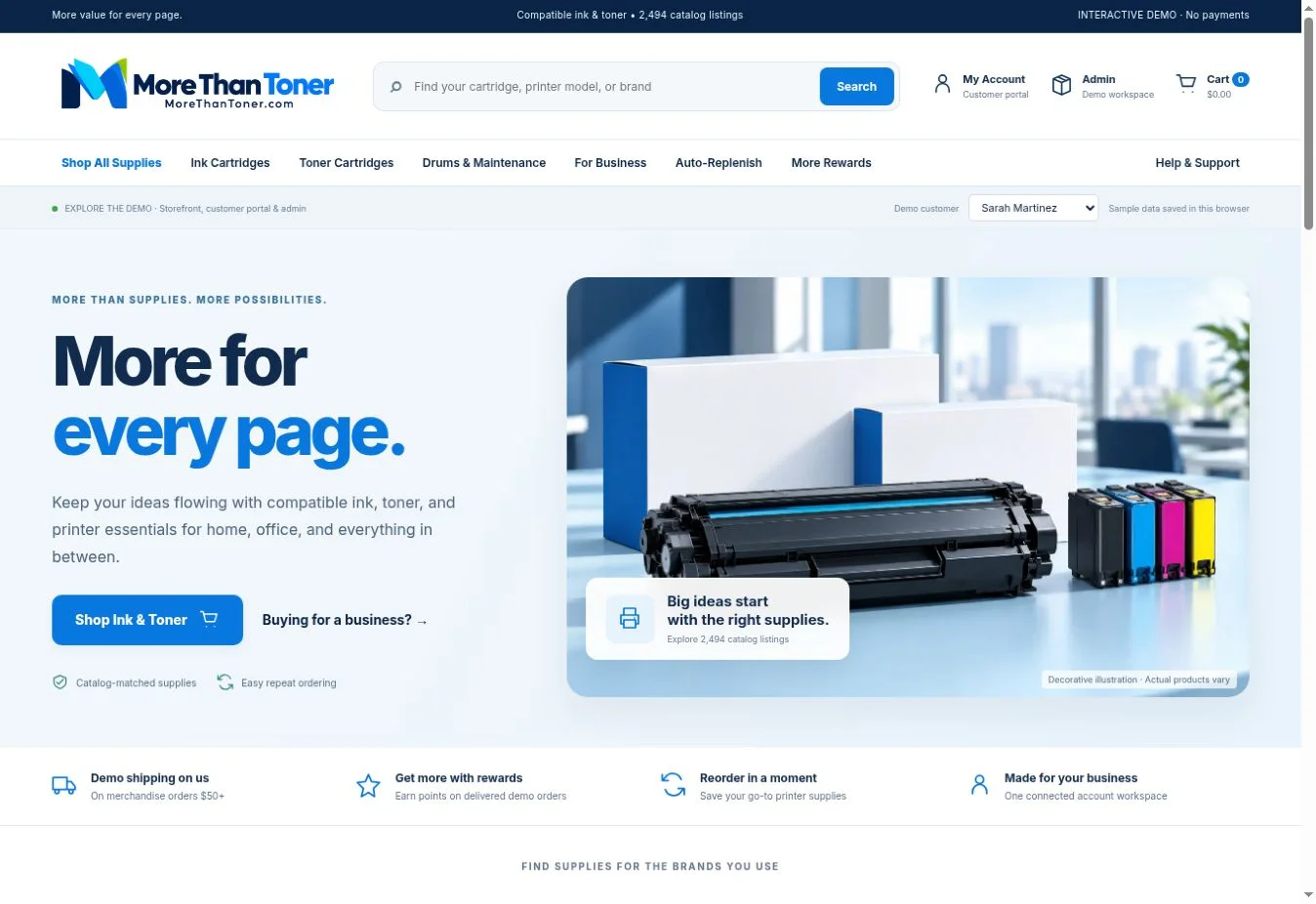
More Than Toner storefront in the interactive Inkloop demo.
Explore the case studyWhat a good handoff looks like
The rollout plan defines what is automated, what staff still review, how to recover a failed run, and who owns changes after release. If the project proceeds to implementation, acceptance includes a completed normal request, an exception, and a replay after interruption.
Try this before a consultation
Walk one request through submission, validation, routing, and completion. Run the same scenario with incomplete data and a downstream timeout. Check that the team can identify the outstanding owner and finish the request exactly once.
Questions to ask before committing
Do we need AI for every automated step?
Use ordinary rules for explicit decisions such as required fields, customer IDs, and status changes. Consider a model where free-text requests require interpretation. Define how users can verify its interpretation and give ambiguous results a human review route.
Who takes over when an integration changes?
Assign an operational owner and a technical owner. Give both access to monitoring and a short runbook covering changes, failed runs, and credentials renewal. Have the person who will support the workflow use that runbook during a test before launch.